 Slides Auditorium
For PowerPoint for the web
Rehearse your
PowerPoint on stage.
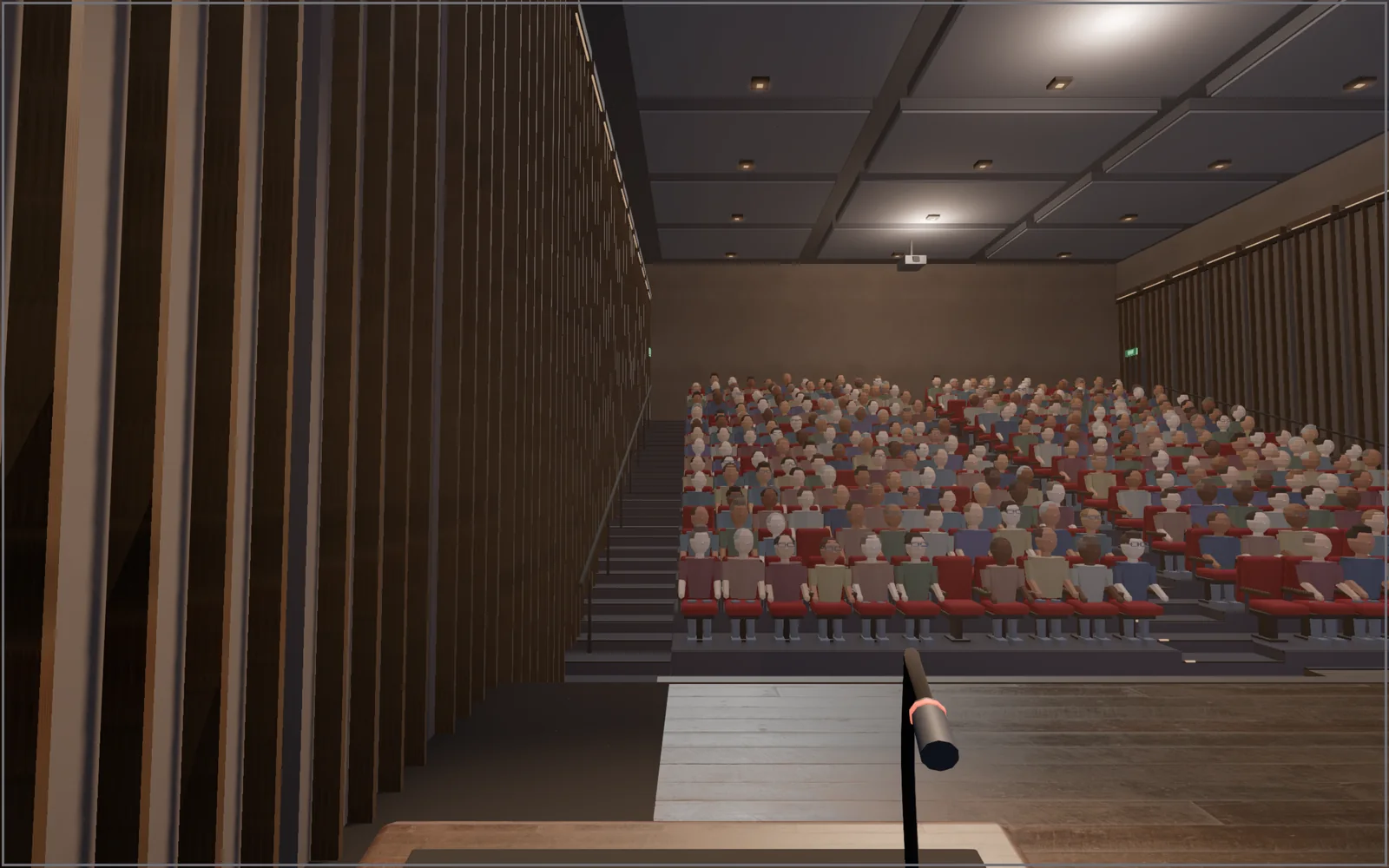
Open your deck in PowerPoint for the web and click Auditorium. Your slides play on the big screen of a 3D hall, so you can practise the talk the way you will give it.
- 1Turn on PowerPoint
Click the Slides Auditorium icon in Chrome's toolbar, then Turn on PowerPoint and choose Allow. Once.
- 2Open your deck
Any deck in PowerPoint for the web, including files in OneDrive. Reload the tab after turning it on.
- 3Click Auditorium
It sits beside Slide Show. ←→ through your slides, Esc back to the editor.
Your slides, not a copy
PowerPoint plays
on the big screen.
The hall shows PowerPoint's own slideshow, so animations, transitions and fonts are exactly what you will present. Stand at the podium, or sit in the back row and check what people can read.
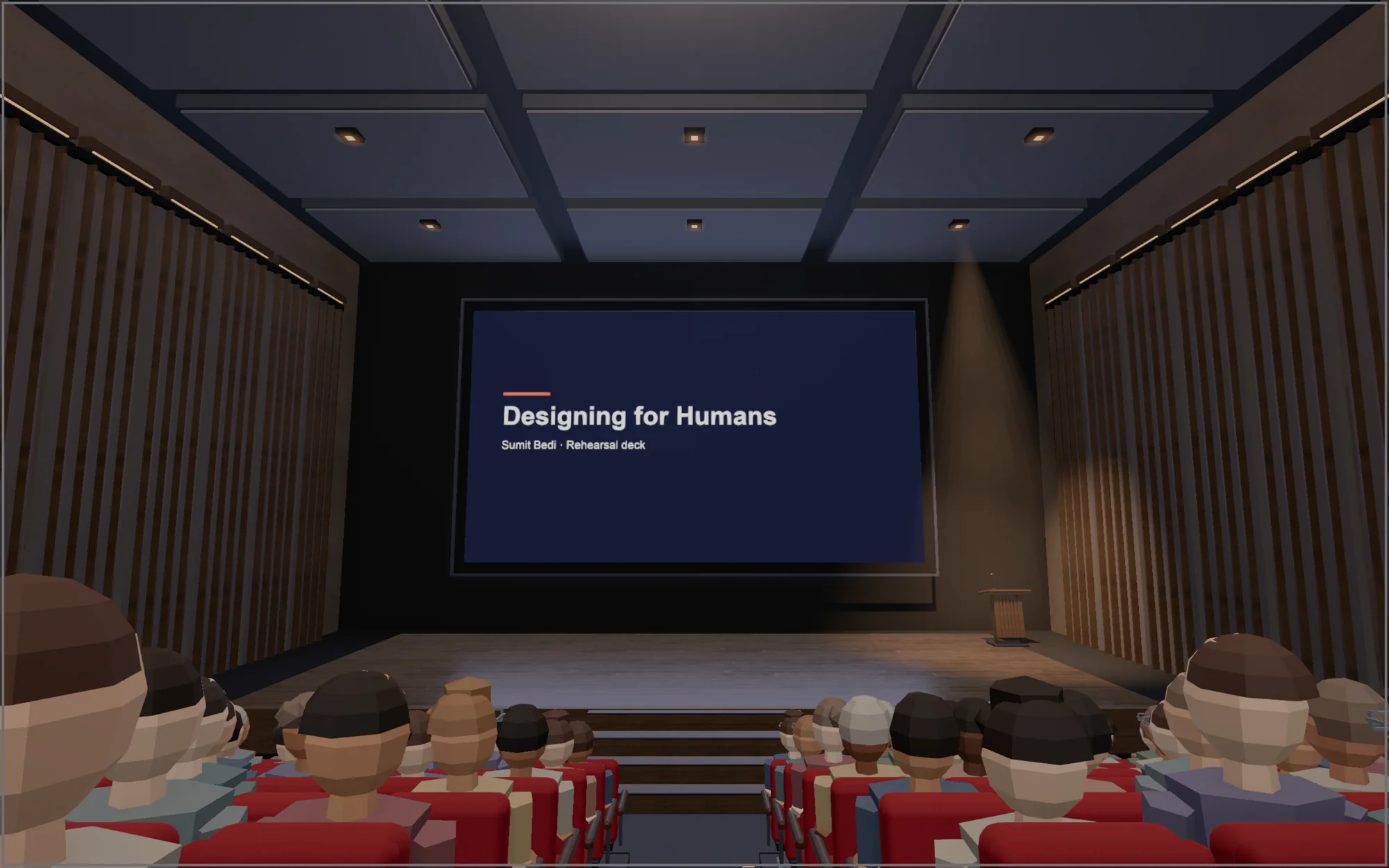
Nothing is uploaded. Microsoft serves your deck as usual. The hall is drawn in your browser.
Questions
Does it work with desktop PowerPoint?
Not yet. It works with PowerPoint for the web in Chrome, which opens any .pptx you put in OneDrive.
Why does Chrome ask for permission?
PowerPoint support is optional, so Chrome asks once when you click Turn on PowerPoint. It lets the extension add the Auditorium button to PowerPoint pages. Nothing is read or sent anywhere.
Do my animations and transitions work?
Yes. The big screen plays PowerPoint's own slideshow, so builds and transitions run as you made them.
Is it free?
The empty lecture hall is free. Pro adds a full audience, applause, five venues, a rehearsal timer and more for a one-time $5.
Does it work with Google Slides too?
Yes. Open any Google Slides deck and click Auditorium next to Slideshow.