 Slides Auditorium
Public speaking practice
Practise to a full
house, at home.
Rehearsing to a mirror is not the same as facing rows of people. Slides Auditorium puts your own deck on a real stage, so the room feels familiar before the day.
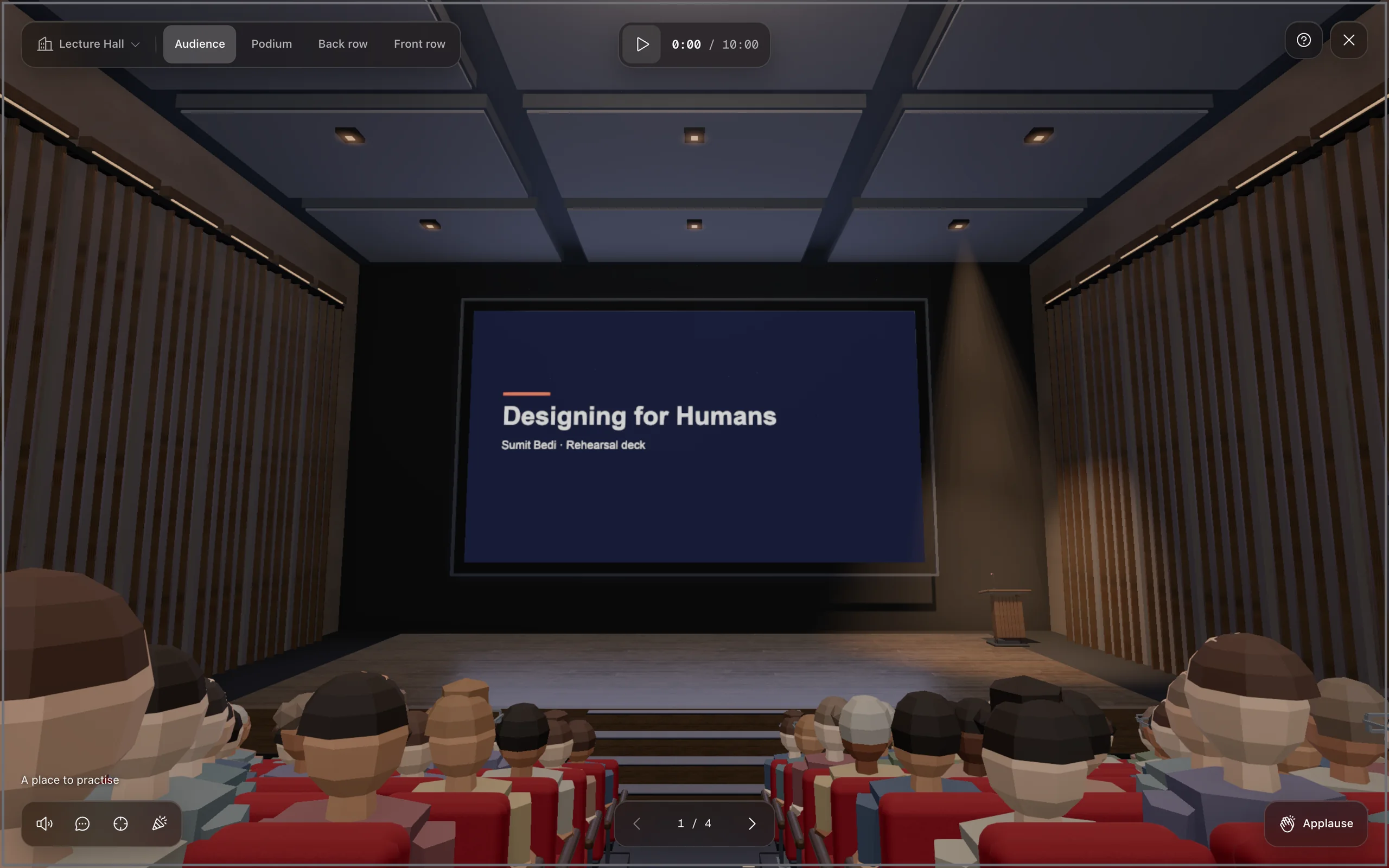
- 1Open your deck
Your real Google Slides or PowerPoint for the web presentation. No upload, no export.
- 2Step onto the stage
Click Auditorium. You are at the podium, looking out at the rows.
- 3Run the whole talk
Arrow through every slide out loud. Esc takes you back to edit, then go again.
Why it helps
Make the room
feel familiar.
Nerves come from the unknown: the size of the hall, the faces, the silence. Rehearse in the space a few times and the real one stops being a surprise.
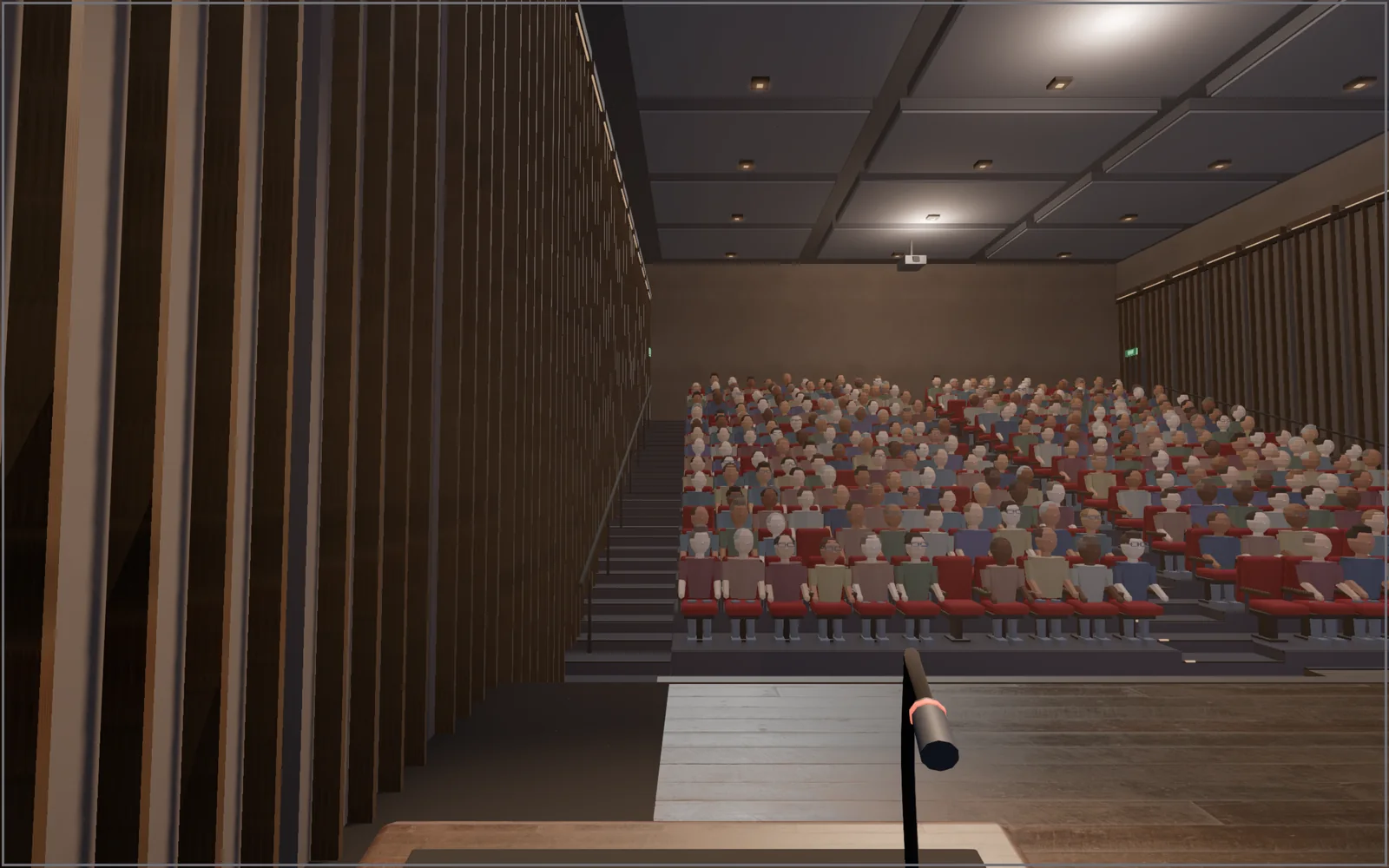
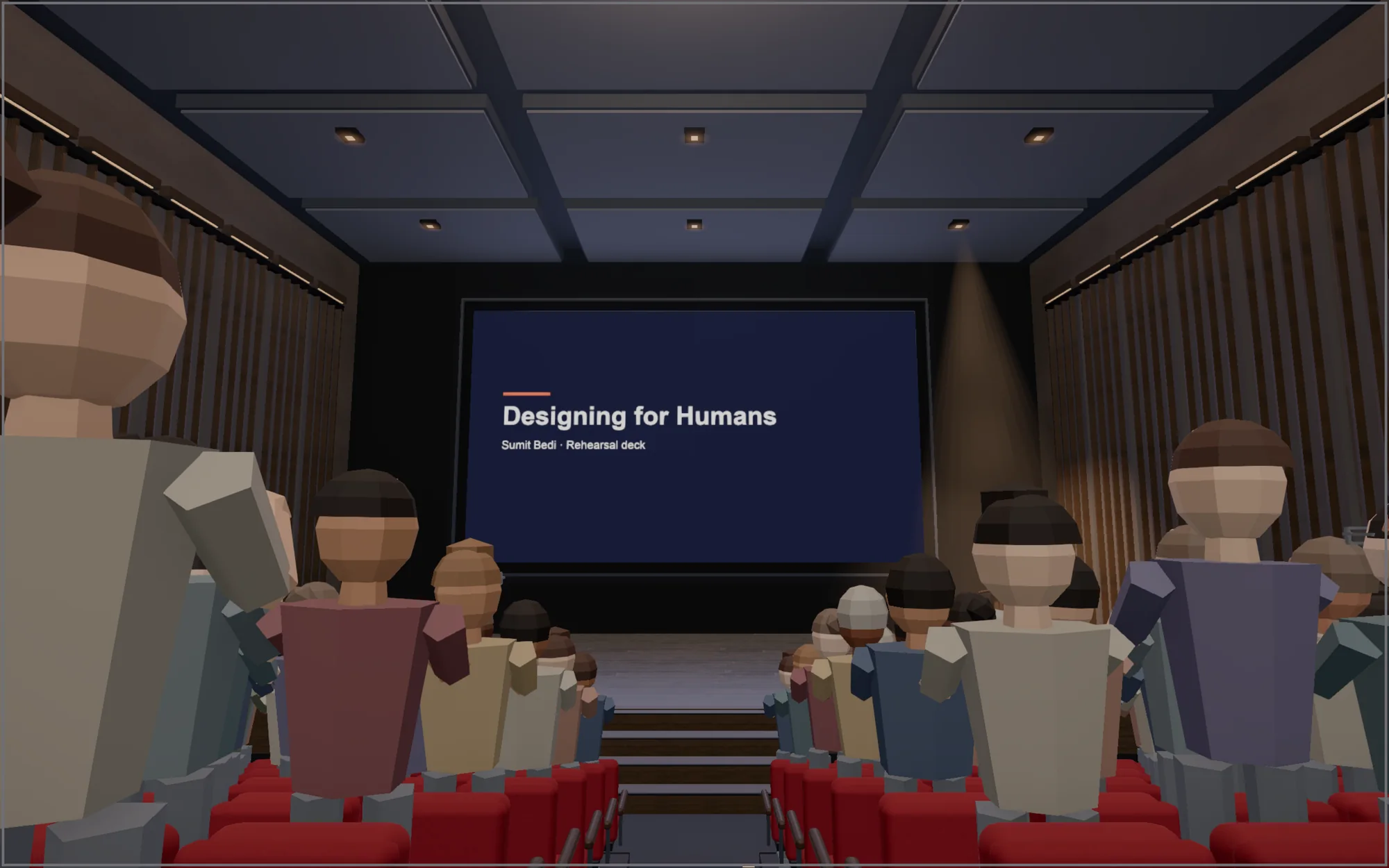
Practise the hard parts. With Pro, a hand goes up mid-talk with the question you dread, latecomers walk in, and a timer shows how long each slide takes.
Questions
How do I practise a presentation at home?
Run the whole talk out loud, standing, with your real slides, at least three times. Slides Auditorium adds the room: a stage, rows of seats and, with Pro, an audience that reacts.
Can it help with stage fright?
It helps you get used to the view from the podium and to talking through interruptions. It is a rehearsal tool, not therapy.
Does it listen to me or record me?
No. Nothing is recorded and nothing leaves your computer.
Which slides work?
Any Google Slides deck you can open, and PowerPoint for the web decks after a one-time permission. Chrome on a laptop or desktop.
Is it free?
The empty lecture hall is free forever. Pro is a one-time $5: full audience, reactions, Q&A drill, nervous mode, five venues and a timer.